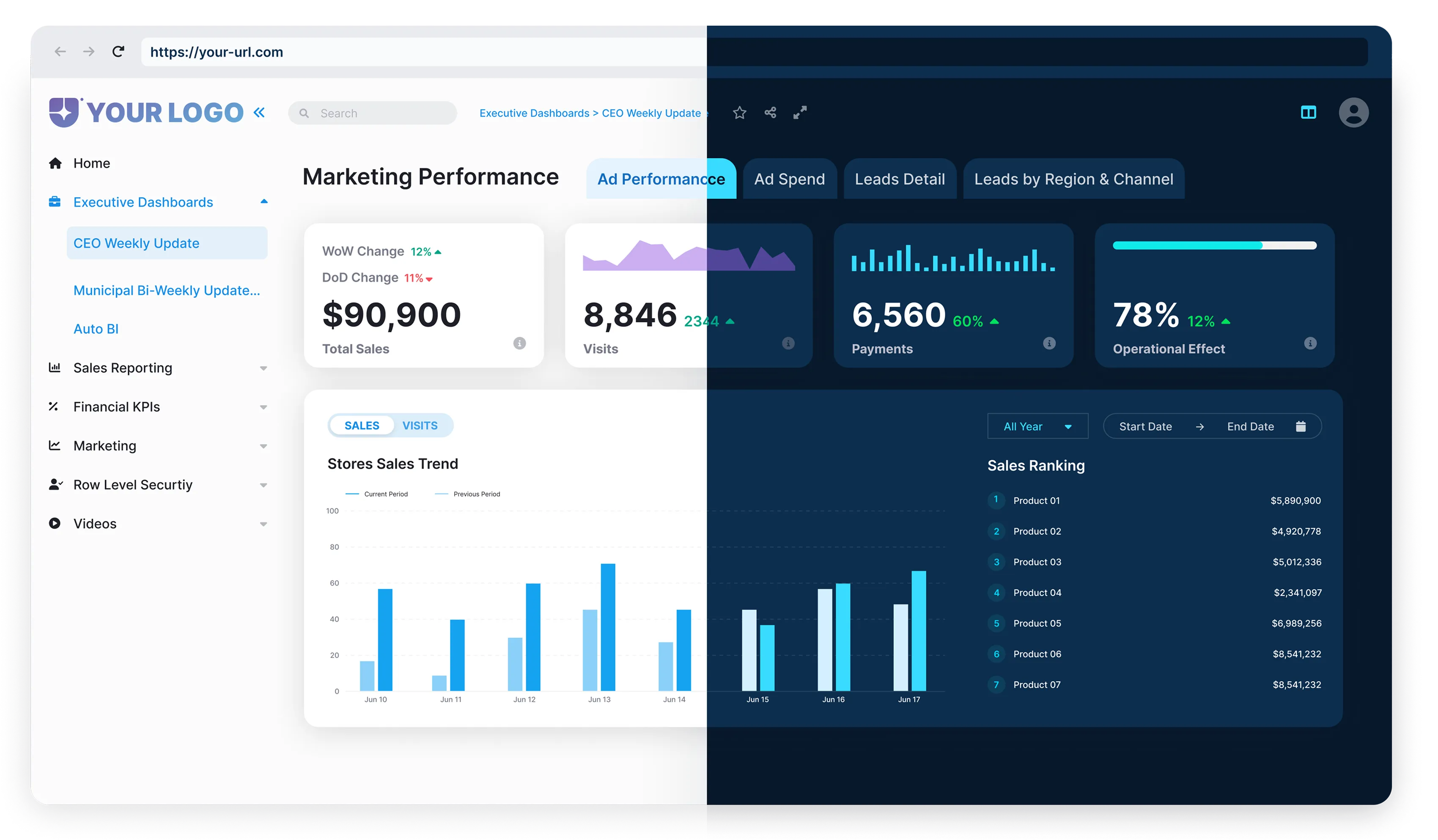



Power BI Embedded is a Microsoft Azure service that offers comprehensive business intelligence capabilities directly within an organization’s applications. But, like any investment for your business, it’s essential to know the costs involved and how to maximize its value for your organization.
So let’s take a deep dive into the hidden costs of Power BI Embedded, licensing, scaling, and optimization.
How to Maximize ROI with Power BI Embedded Pricing Models
When it comes to extracting value from data, Power BI Embedded is a popular choice for many organizations, thanks to its capability to provide comprehensive business intelligence features directly within an application. But before diving right into this service, it’s crucial to understand what you’re signing up for, including both its main features and the potential implications for your budget.

The first thing you need to know about Power BI Embedded is its functionality. This Microsoft Azure service turns raw data into meaningful insights, providing critical business intelligence for decision-making processes. With an easy-to-use interface and a wide variety of data visualization options, it makes information accessible and digestible to users at all levels within an organization.
But beyond understanding how Power BI Embedded works, knowing its cost implications is just as vital. All good business leaders understand the synonymous relationship between cost and value; an investment’s worth is dependent on its return. That means it’s essential not only to know the upfront costs of subscribing to Power BI Embedded but also to understand the potential hidden costs that could emerge along the journey.
In this article, we’ll take you through the ins and outs of Power BI Embedded, with a special focus on its licensing, scaling, and optimization costs. You’ll walk away with not just an understanding of these costs, but also insights into how you can leverage and manage them to optimize your return on investment with Power BI Embedded.
So buckle up and join us on this deep dive into maximizing the value of your Power BI Embedded investment. And remember, it’s not just about the costs you see upfront — it’s about how you manage and capitalize on those costs to extract maximum value for your organization.

Power BI Embedded Licensing Explained
First off, let’s define: What is Power BI Embedded licensing?
To put it simply, Power BI Embedded licenses allow developers to incorporate Power BI visuals, reports, and dashboards directly into an application. Unlike Pro (per-user) and Premium (capacity), Power BI Embedded is billed hourly through Azure as A-series SKUs for embedding use cases.
Let’s break down the licensing costs in detail.
The overall Power BI Embedded licensing costs consist of capacity, which is measured in virtual cores (v-cores).
Each capacity has a fixed number of v-cores and a rate per hour. It means that you pay for the capacity you provision, not per user. You can pause the A-series capacity when not in use to save costs.
The pricing varies based on whether you opt for A-series (dev/test) and the production-grade capacities (EM or P-series). For instance, as of writing, an A1 capacity with 1 v-core costs about $750 per month, while a P1 capacity with 8 v-cores is around $4,995 per month.
But how does Power BI Embedded licensing work?
Power BI Embedded operates on a capacity-based licensing model. You pay for the capacity, not the number of users or the amount of data you have. This model gives your business the predictability to manage costs while providing an embedded analytics solution to an unlimited number of users.
Dealing with Scaling: Power BI Embedded for Enterprise
Scaling is an essential aspect of any business intelligence solution, and Power BI Embedded is no exception to this rule. Business needs change over time – you may need to accommodate new users, larger datasets, or more complex analytics as your enterprise grows and evolves. This is where the true challenge of scaling comes into play.
The first step to effective scaling is understanding what it entails. At the most basic level, scaling involves more than adding capacity; it includes optimizing datasets, caching strategies, refresh schedules, and monitoring usage patterns. This could mean you’ll need to handle more users executing queries simultaneously, process larger data volumes, or maybe you may want to reach higher data refresh frequencies. These factors can impact both the performance and the cost of your Power BI Embedded instance, so it’s crucial to adapt wisely.
One practical consideration when scaling is to fully understand your usage patterns.
For example, are there peak times when user demand is higher? Are there quiet periods when you could reduce capacity? Dynamics in usage can create opportunities to scale up and down in response to demand, thereby optimizing costs.
Seasoned enterprises sometimes fall into the trap of underestimating the complexity of the scaling process. However, there are best practices from The Reporting Hub’s Power BI Embedded overview that can help navigate these waters smoothly.
Here are a few:



Remember, by scaling effectively, you can not only ensure that your Power BI Embedded tool aligns with enterprise needs but also maintain control over costs associated with usage. So, place scalability at the heart of your Power BI strategy, and reap the rewards of a flexible, responsive business intelligence system.
Revealing the Hidden Costs of Power BI Embedded
First off, we should clarify that “hidden costs” don’t imply Microsoft is adding unexpected fees to your bill. Instead, these are costs not immediately apparent and don’t come with direct price tags. Beneath the surface, these costs can accumulate over time and impact your bottom line.




Power BI Embedded Cost Optimization Strategies
Maximizing the value of Power BI Embedded involves numerous strategies to manage and minimize costs. It’s essential to stay mindful of your expenditure while leveraging the extensive analytical capabilities it provides.

- Optimize dashboards for both visuals and functionality.
- Optimize datasets and queries; excessive visuals can slow performance, but costs are primarily driven by capacity utilization. Use Power BI’s suite of dashboard tools.
- Strive to balance between data accessibility and speed – an overloaded dashboard can incur additional costs.

- Ensure your team understands the costs associated with each component of Power BI Embedded.
- Avoid inefficient or unnecessary resource usage.
- Promote understanding of Power BI Embedded capabilities to improve decision-making around resource allocation.
- Use Azure Monitor and Power BI’s Capacity Metrics App to track refresh times, memory consumption, and user concurrency.
- Smaller, well-curated datasets require less computing power and enhance report performance.
- Careful data management can directly contribute to reducing your Power BI expenditure.

- Keep iterating and improving; initial attempts at optimizing costs may not be perfect.
- Consistent analysis and adjustments can reduce costs over time.
Optimizing Power BI Embedded for ROI
When you've considered the licensing, scaling, and potential hidden costs, it's time to focus on optimizing the return on your investment (ROI). The key question should not be "do we need Power BI Embedded?" but "how can we use Power BI Embedded effectively to get an edge over the competition?"

- Is your team interpreting and leveraging data more quickly?
- Is your reporting process less prone to mistakes with Power BI Embedded?
- Have your business decisions improved, now that they’re supported by robust, real-time data analytics?



Conclusion
This cycle of measuring, boosting, and repeating ensures the optimal utilization of Power BI Embedded for maximized ROI. Although seemingly daunting, such an investment is undoubtedly worth it.
The real value of Power BI Embedded lies not just in recognizing hidden costs, but in strategically managing them to drive ROI.
The Reporting Hub makes this process easier. As a Microsoft-recommended embedded analytics solution, it provides a turn‑key, fully white‑labeled portal that deploys within your own Azure environment.
External users don’t need Pro licenses with Embedded capacity, but internal report creators still require Pro or Premium licenses.
It simplifies deployment, accelerates time-to-market, and eliminates per-user billingletting you deliver analytics at scale across internal teams or external customers without added licensing overhead. Plus, Reporting Hub includes built-in capacity optimization, customizable branding, and robust enterprise-grade security features that align cost efficiency with a premium, scalable BI experience.
If your goal is to simplify Power BI Embedded implementation, reduce complexity, and maximize ROI, The Reporting Hub is your ideal partner.
Start your free trial today to see how it can streamline BI delivery, eliminate hidden costs, and unlock deeper insights from your data.
- What Increases Time Spent in Your Reports
- Power BI Embedded Licensing Explained
- Dealing with Scaling: Power BI Embedded for Enterprise
- Revealing the Hidden Costs of Power BI Embedded
- Optimizing Power BI Embedded for ROI
- Conclusion
.webp)
.webp)